Maniac ID
One account. All your apps.
Your Maniac ID keeps track of the apps you buy, so you can install them on any of your PCs — up to 5 of them.
What is a Maniac ID?
It’s simply your e-mail address. There’s no password to remember or leak: each time you sign in, we send a 6-digit code to your inbox.
- Buy apps once — they belong to you, not to one PC.
- Install them on up to 5 PCs from Store › Purchased.
- One sign-in for the whole system, in Settings or the Store.
- Optional: you only need it to buy apps.
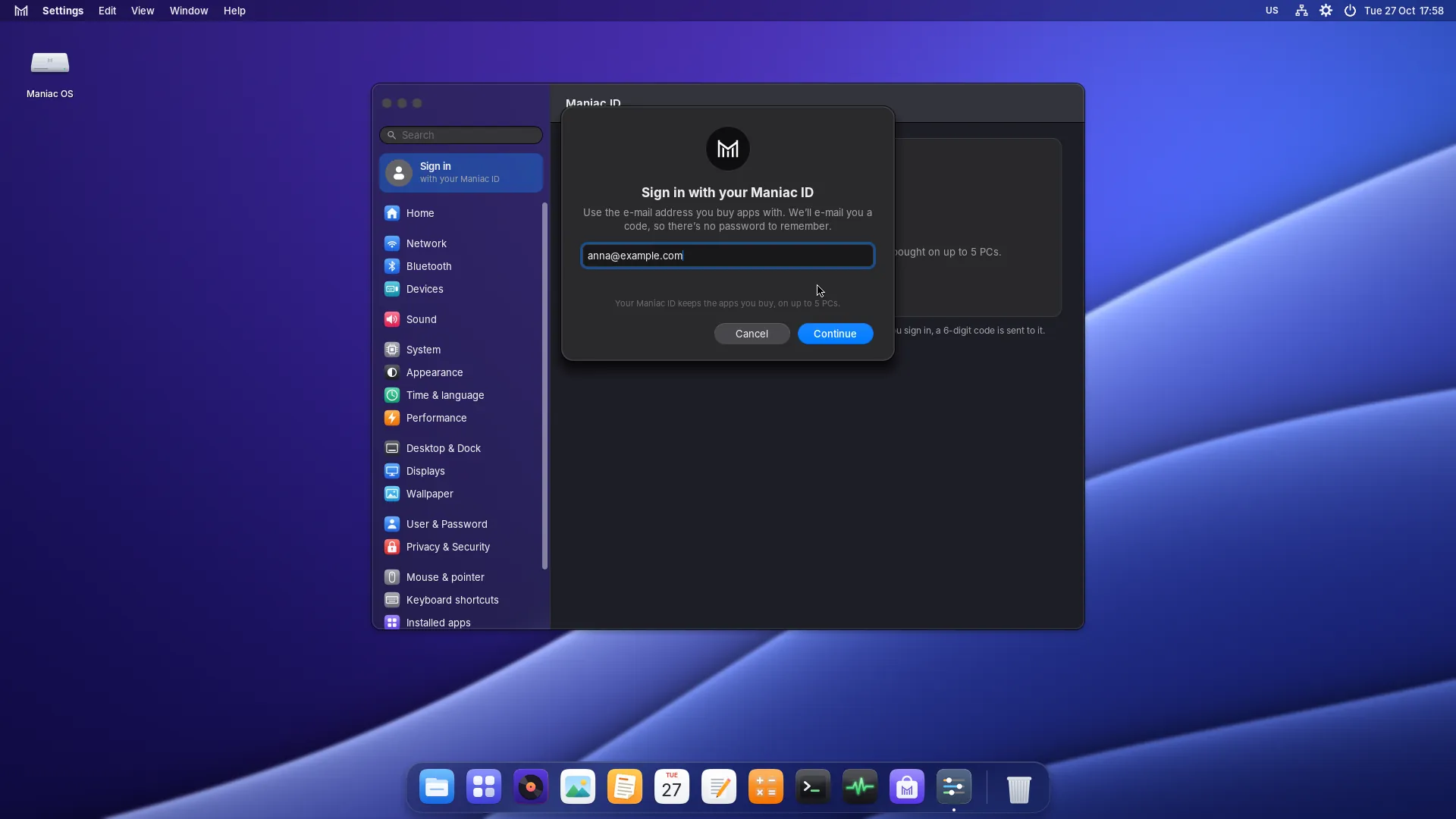
Signing in on a new PC
Got a new PC, or reinstalled Maniac OS? Your apps are waiting.
Open Settings
Choose Sign in with your Maniac ID at the top of the sidebar (or open the Store and choose Sign in).
Enter your e-mail
Use the same address you used when you bought your apps.
Type the code
We e-mail you a 6-digit code. Enter it, and this PC is added to your account.
Install your apps
Open Store › Purchased and choose Install next to each app. They’re activated for this PC automatically.
Your PCs
Each Maniac ID can have up to 5 authorised PCs at a time.
Up to 5 PCs
Install every app you’ve bought on each authorised PC.
Make room
Choose Deauthorise This PC… in your account to free a place — for example before selling a PC.
Start fresh
Deauthorise All… removes every PC at once (once a year), then sign in again on the PCs you use.