Maniac OS 1.0
Made to feel right.
A complete desktop with its own window manager, menu bar, Dock and apps — on the Linux kernel, so it runs on a wide range of PCs.
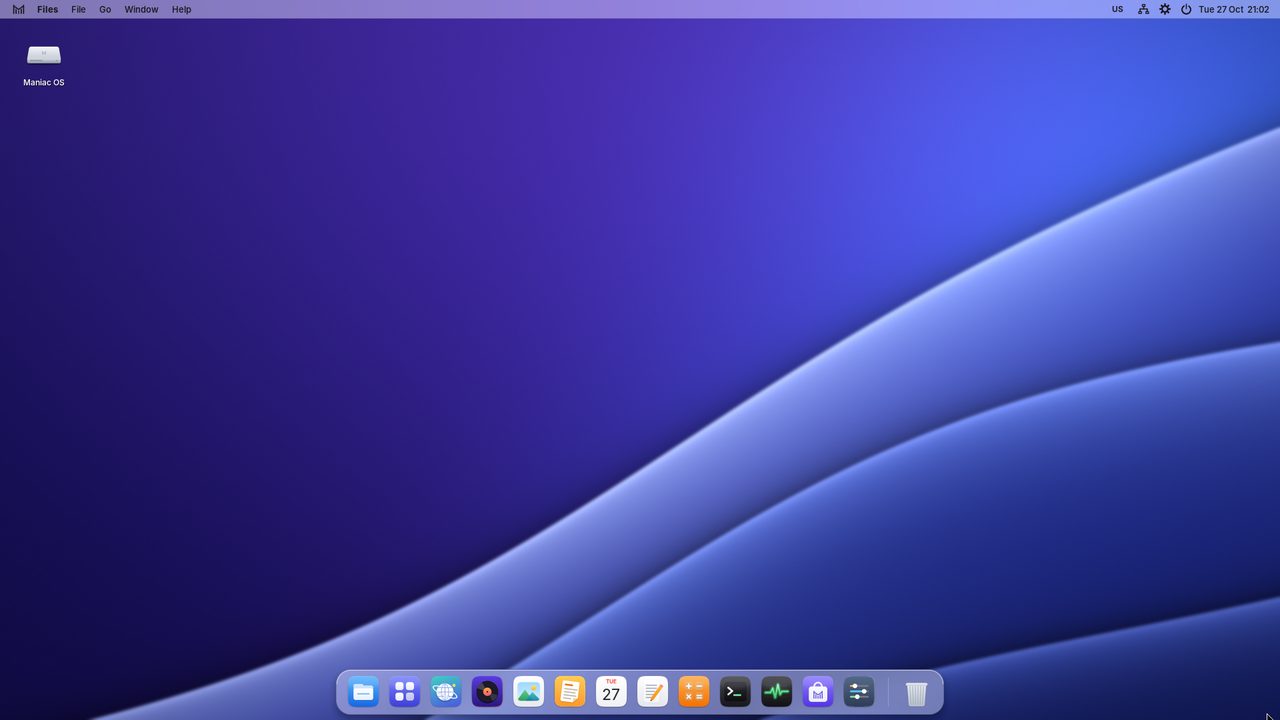
Everything in its place.
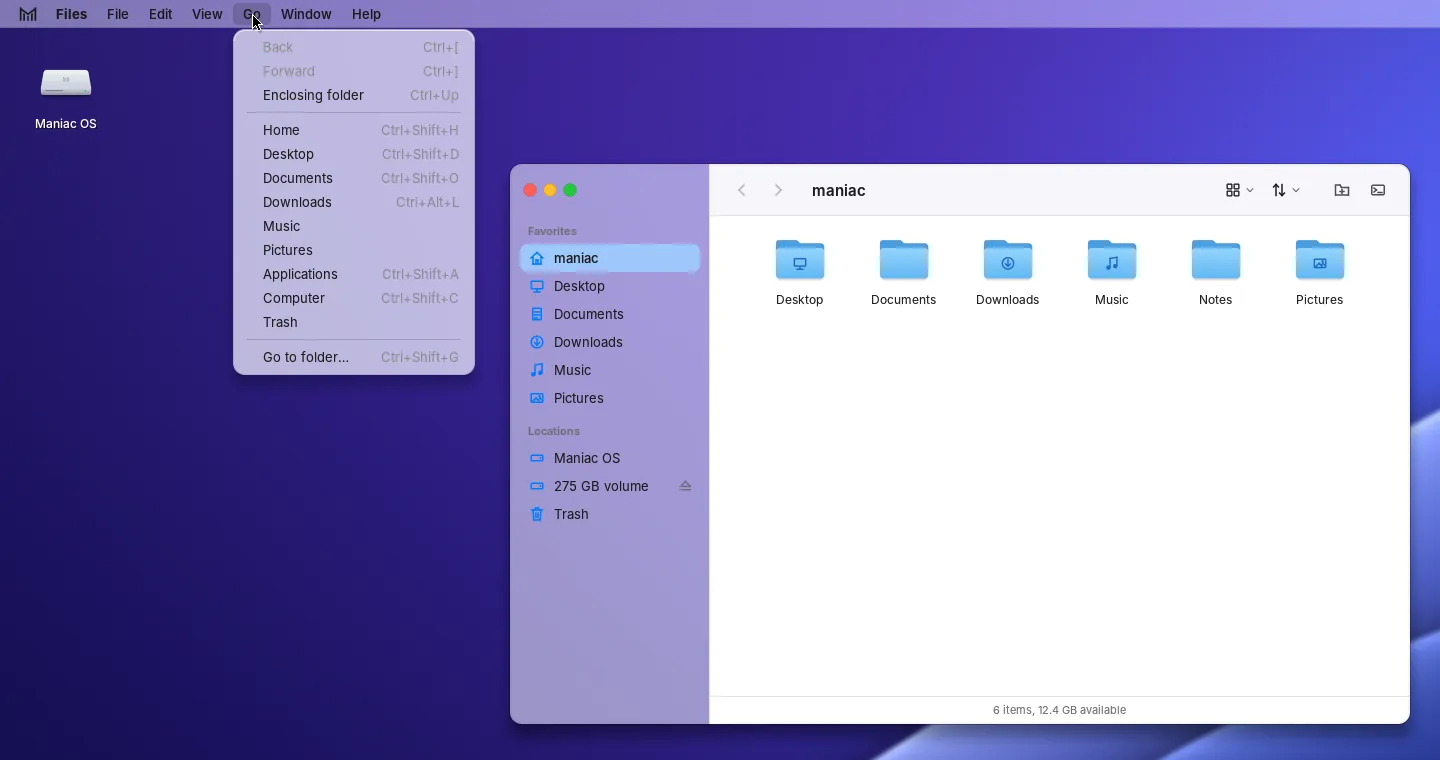
Browse your folders in icons or a list, drag and drop between windows, eject drives with one click, and jump anywhere from the sidebar.
- Favourites and locations in the sidebar
- Quick search across your home folder with the Win key
- Trash you can open and empty when you like
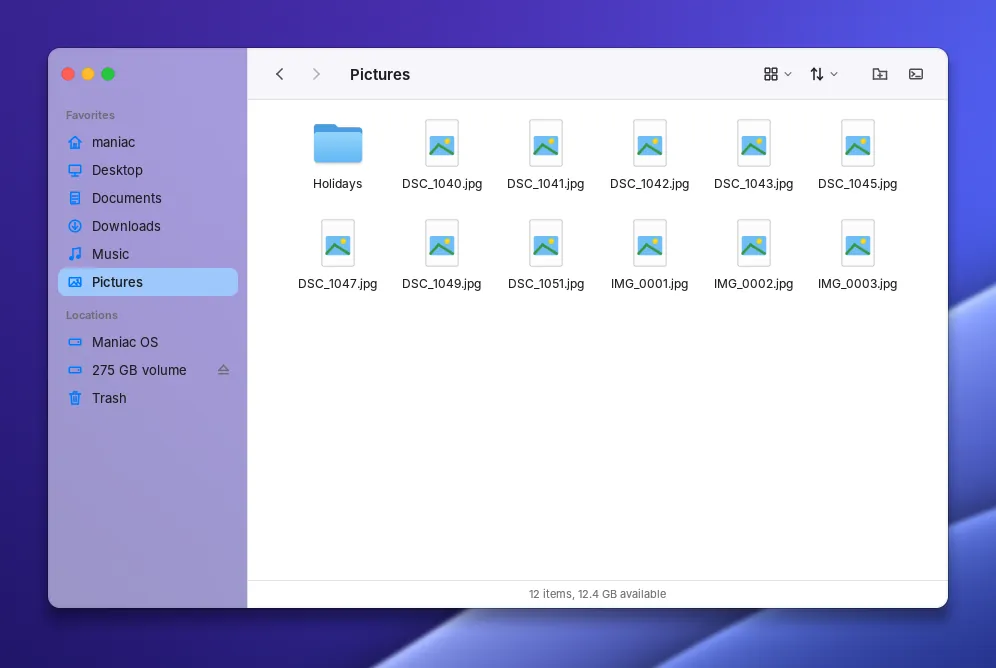
Your pictures, beautifully.
Photos gathers the pictures in your Pictures folder — and, if you like, on the Desktop and in Downloads — into one library with folders, recents and favourites.
- Grid and list views, sorting and search
- A viewer for every common image format
- Folders inside Pictures appear automatically
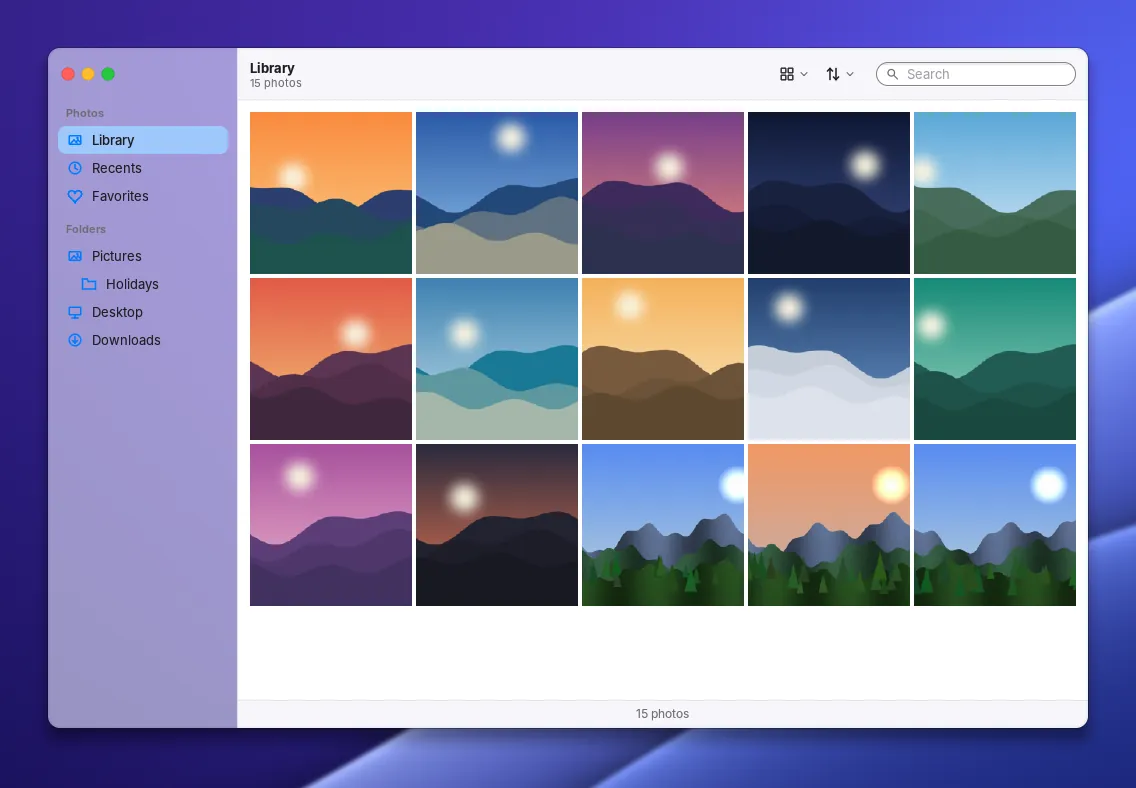
Press play.
Music finds the songs in your Music folder and arranges them by album, artist and song, with cover art and a player that keeps going while you work.
- MP3, FLAC, Ogg and WAV
- Albums, artists, songs and recently added
- Shuffle, repeat and a clear Now playing view
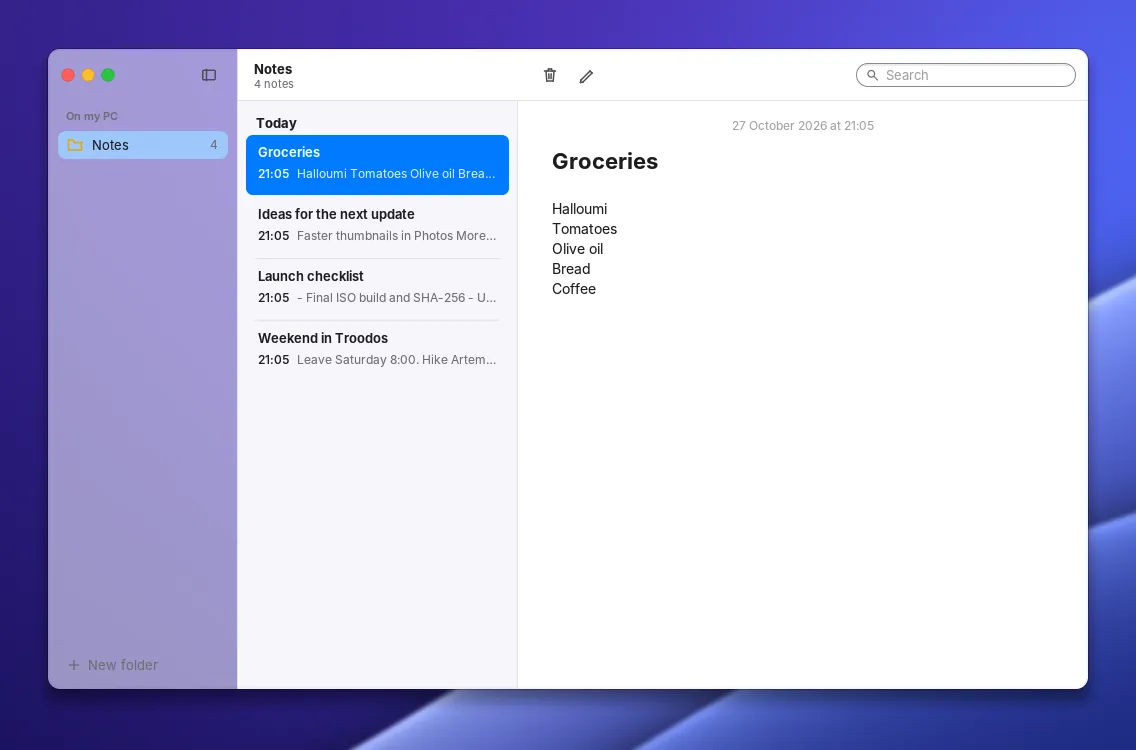
Write it down.
Quick notes that save themselves as plain text files in your home folder, so they’re always yours.
- Folders and search
- Saved as you type
- Plain .txt files you can open anywhere
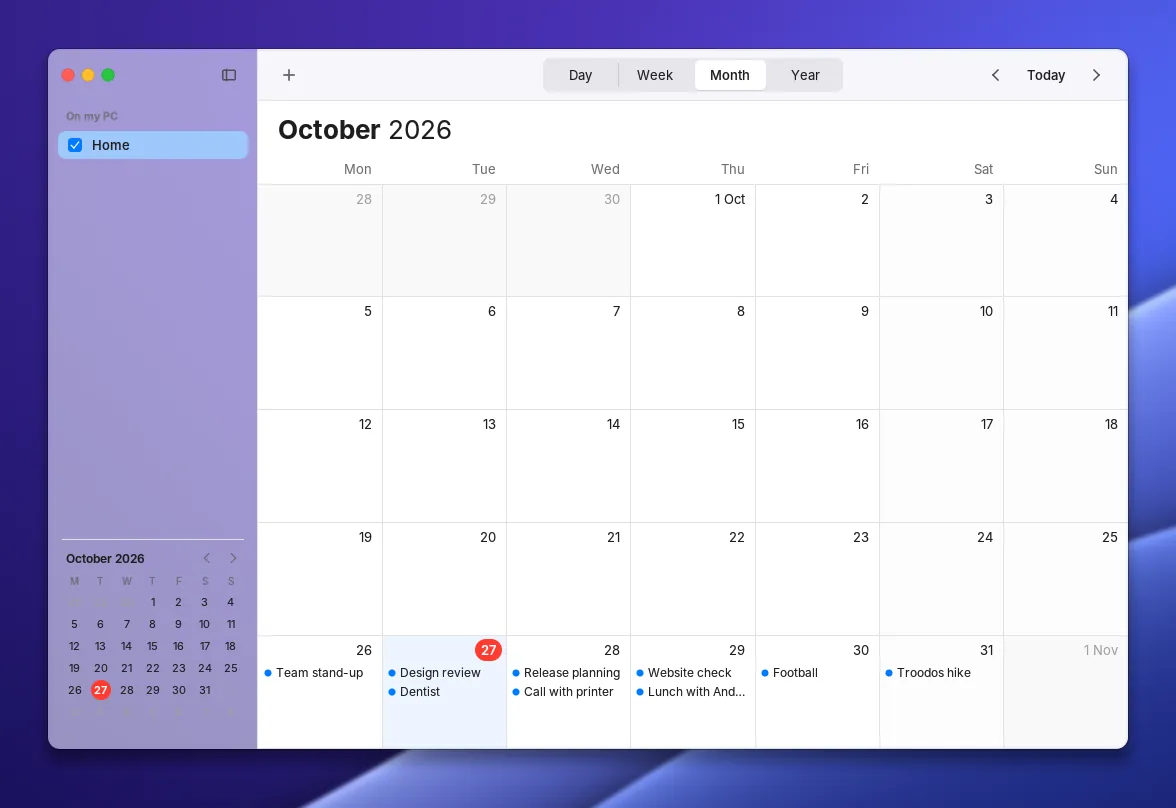
Plan your week.
Day, week, month and year views, calendars in their own colours, repeating events, and standard iCalendar files.
- Day, week, month and year
- Repeating events
- Opens .ics invitations
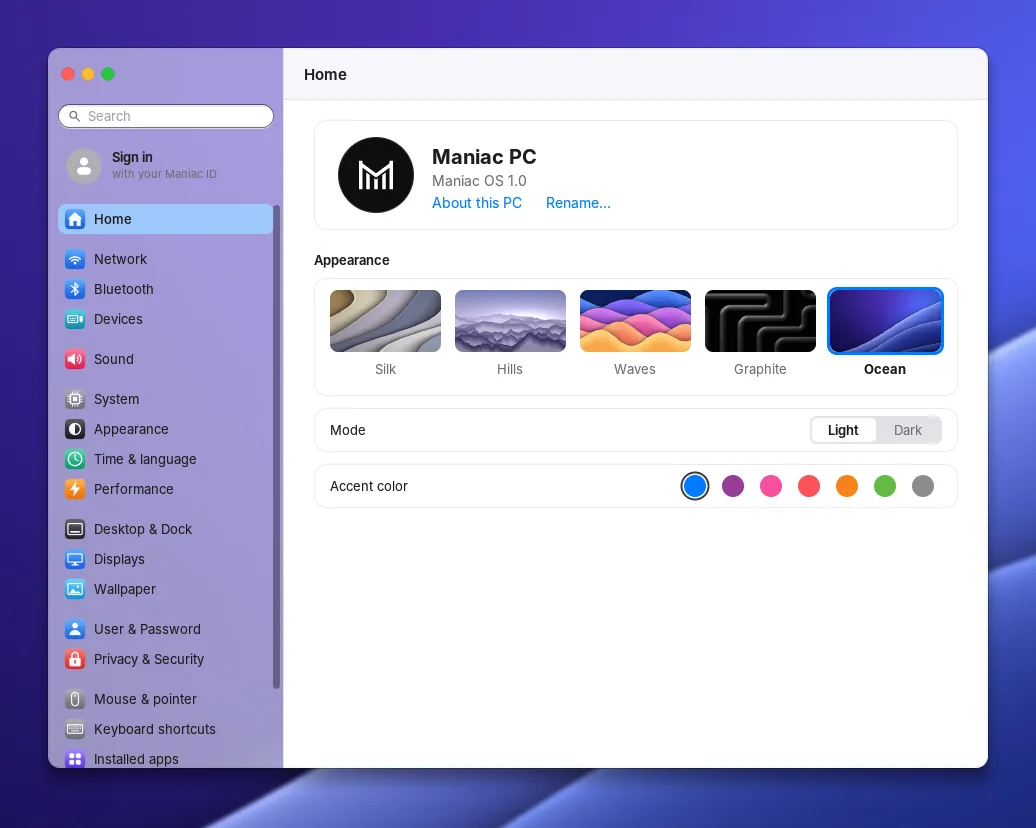
Make it yours.
Appearance, accent colour, wallpaper, Dock, displays, sound, Wi-Fi, Bluetooth, users, security and more — clear panes, plain words.
- Wi-Fi and Bluetooth
- Driver updates for your graphics and Wi-Fi
- Firewall, fingerprint login and user accounts
Modern foundations.
Maniac OS draws everything itself, straight to the screen, on top of a current Linux kernel and its drivers.
Linux kernel 7.0
A signed, current kernel with firmware for Intel, AMD and NVIDIA graphics and the common Wi-Fi chips.
GPU compositing
Every window is a texture on the graphics card, so moving and resizing costs almost nothing. Without a GPU, a fast software path takes over.
Sound through PipeWire
Low-latency audio for music and video apps, with the usual ALSA and PulseAudio compatibility.
Wayland for Linux apps
A built-in Wayland server shows Linux apps as Maniac windows, with the menu bar and Dock you know.
Flatpak and Flathub
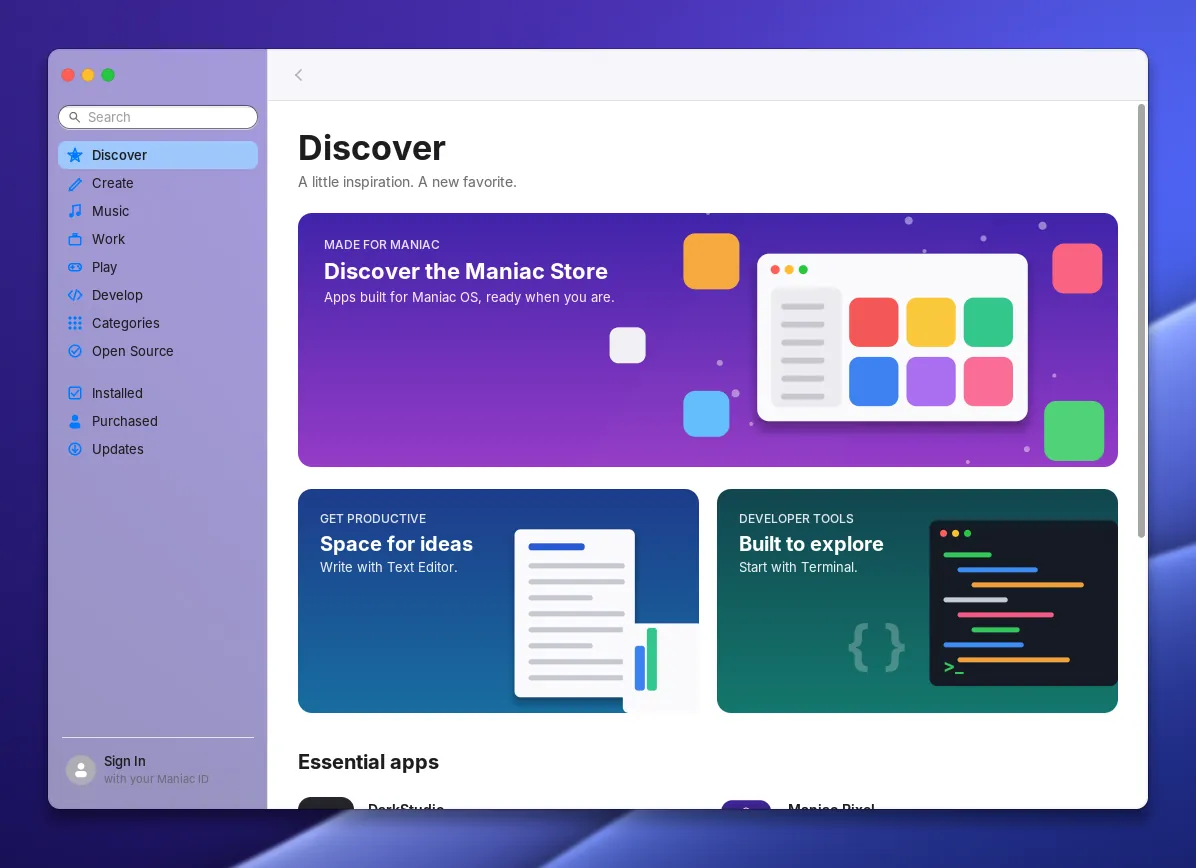
Install browsers, office suites, creative tools and games from Flathub through the Store.
Secure by default
Secure Boot, a firewall, a lock screen, and apps that are signed and encrypted for your PC alone.
Take a look around.
Real screenshots of Maniac OS 1.0. Select one to see it larger.
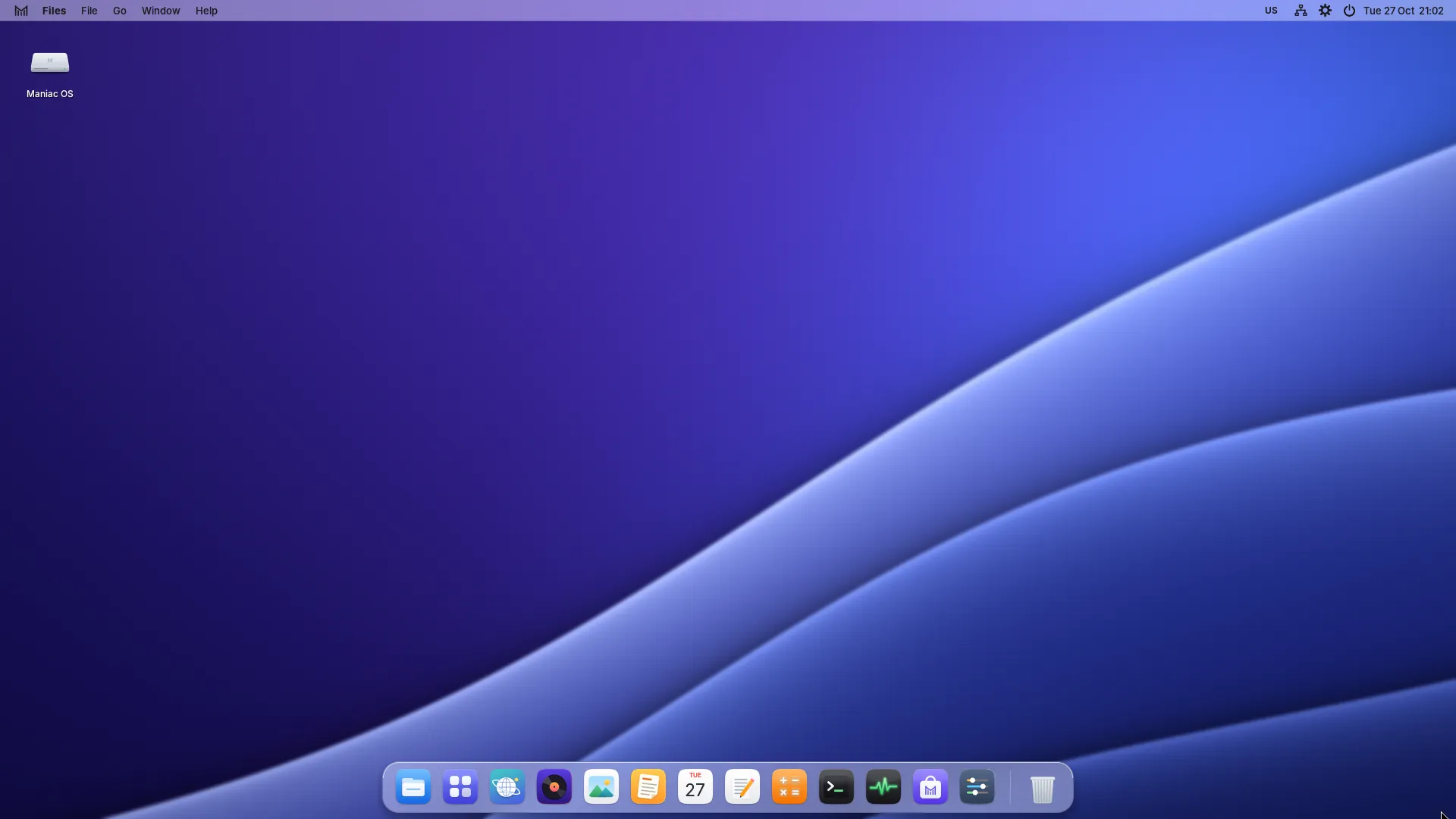
The desktop with the Ocean wallpaper and the Dock 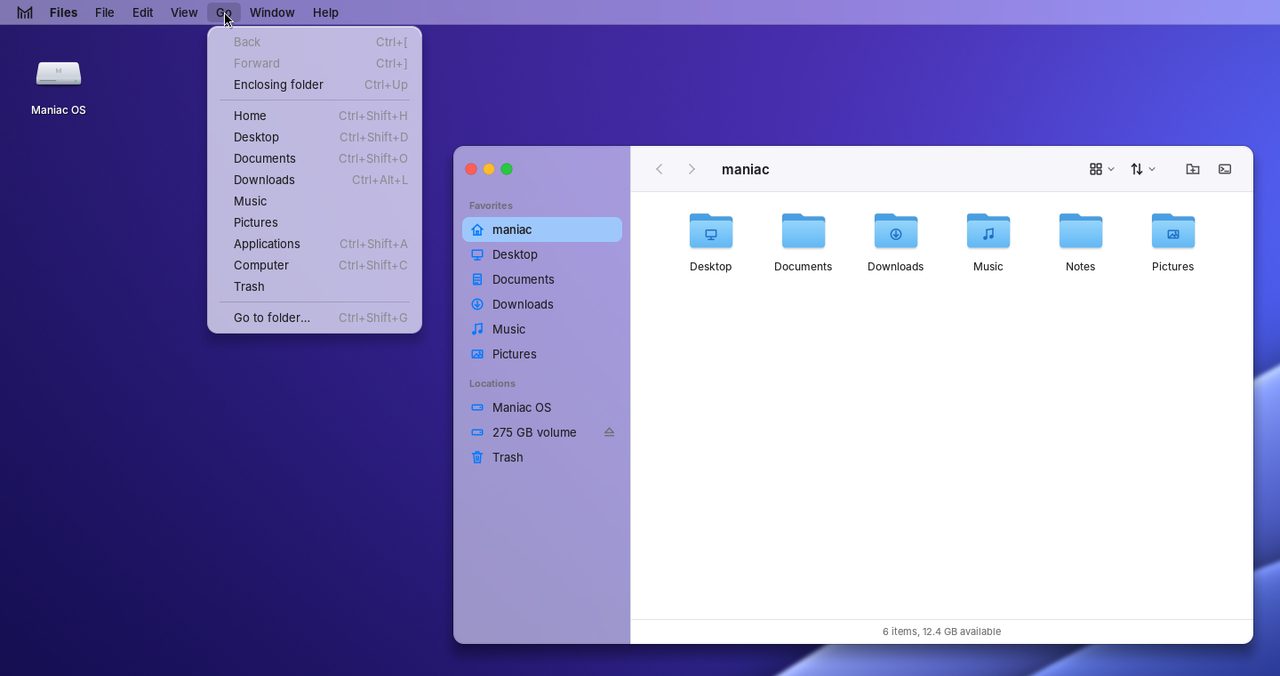
The menu bar with the Go menu open 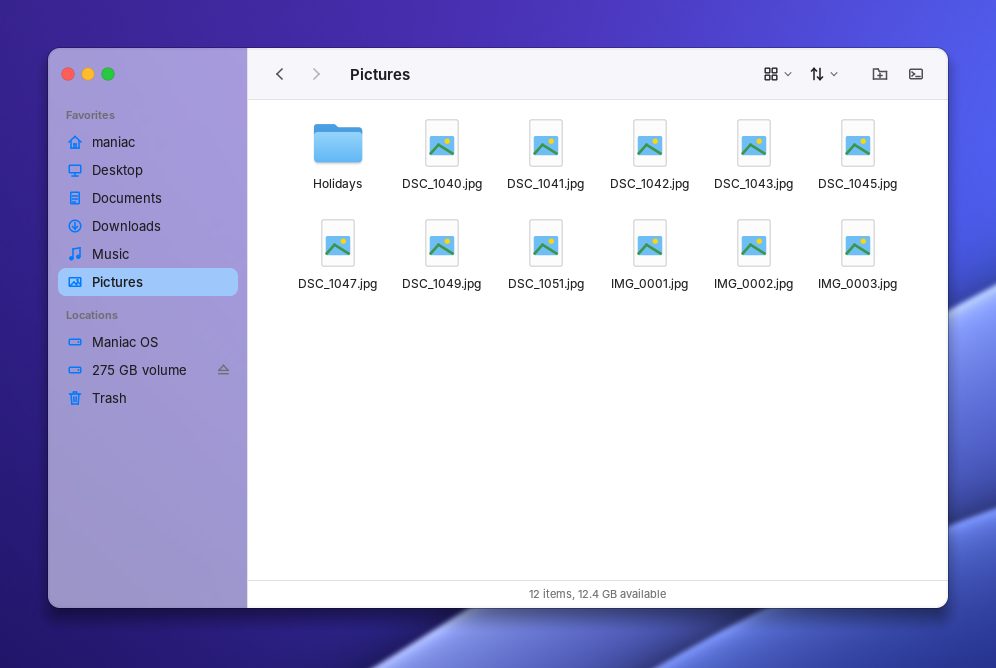
Files 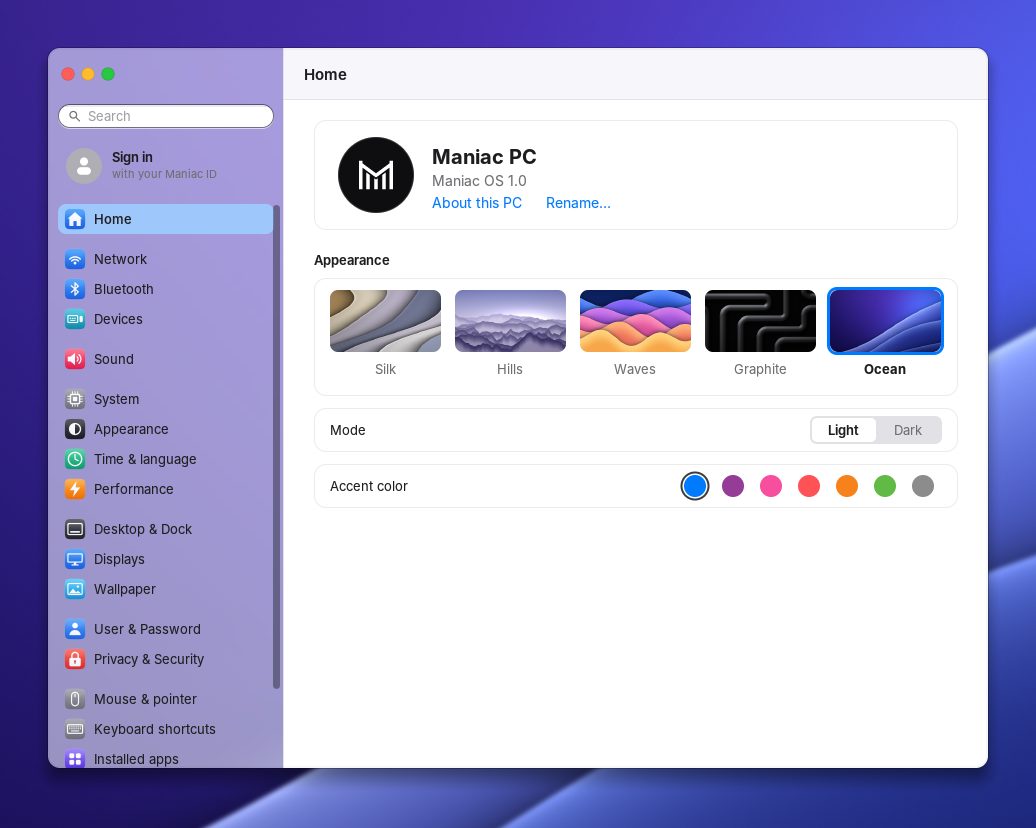
Settings 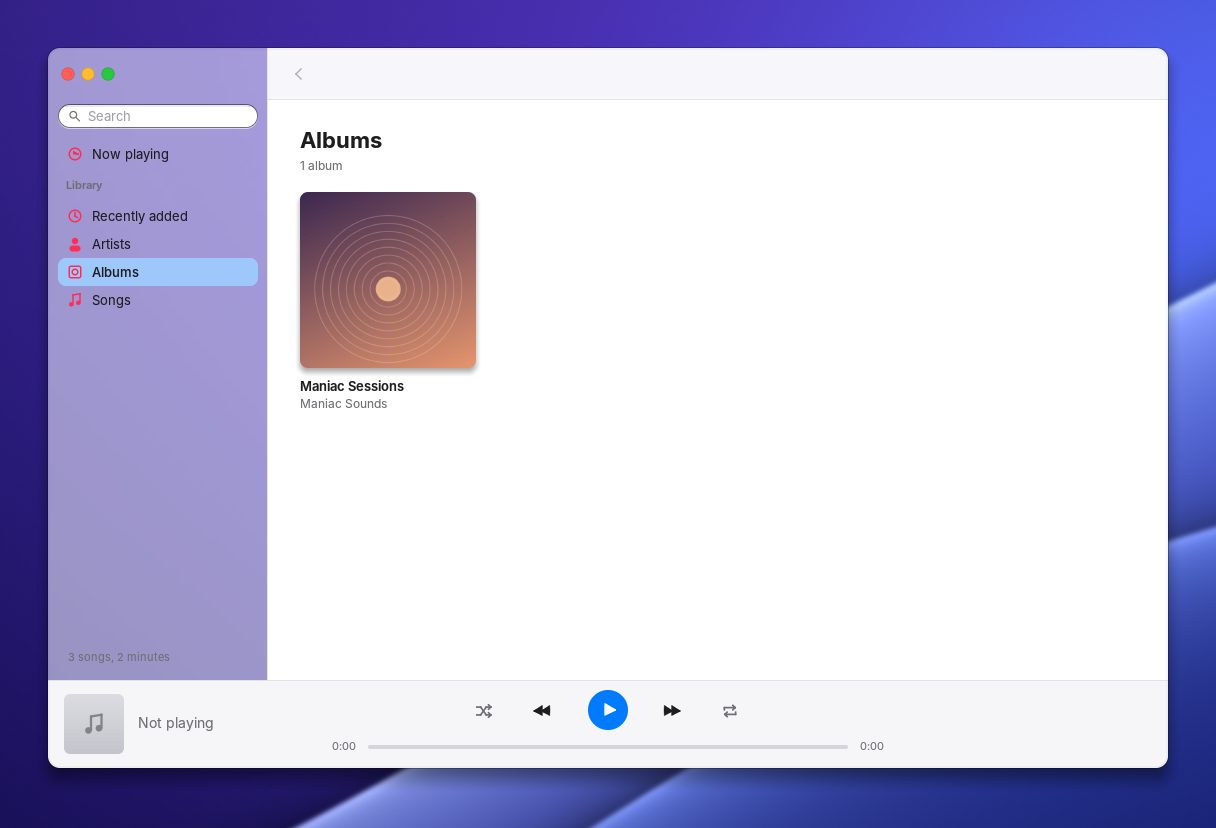
Music 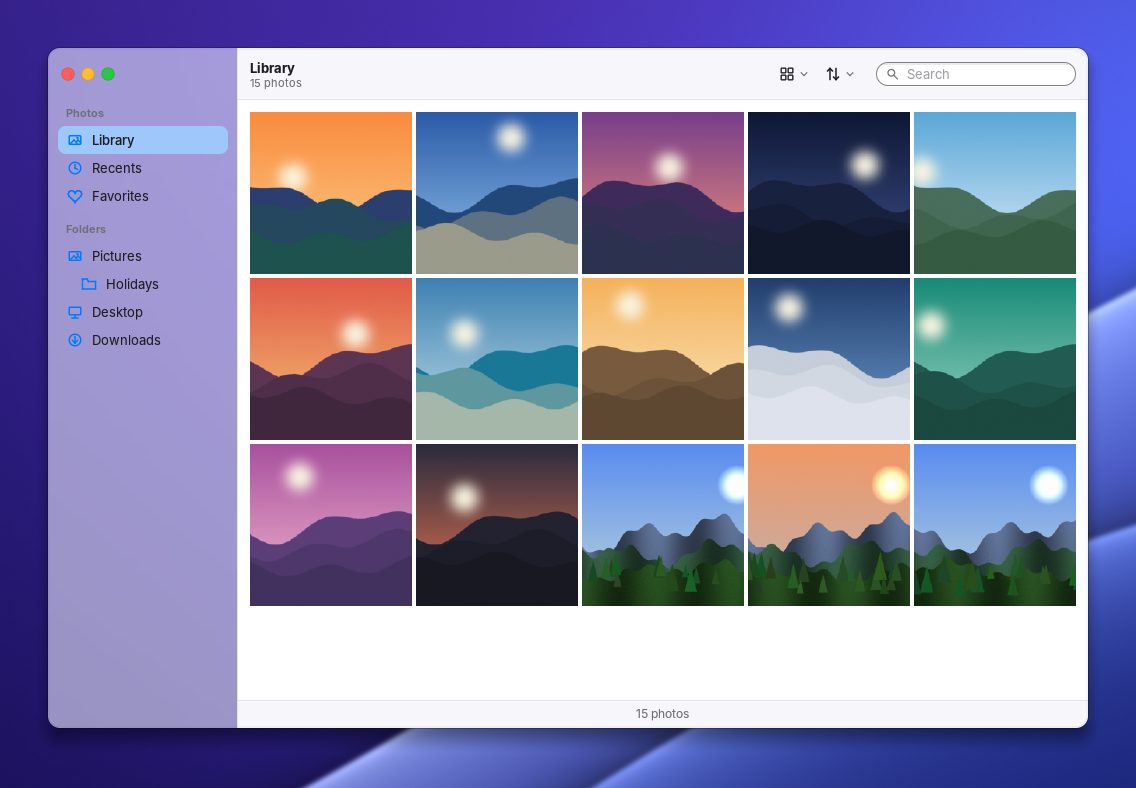
Photos 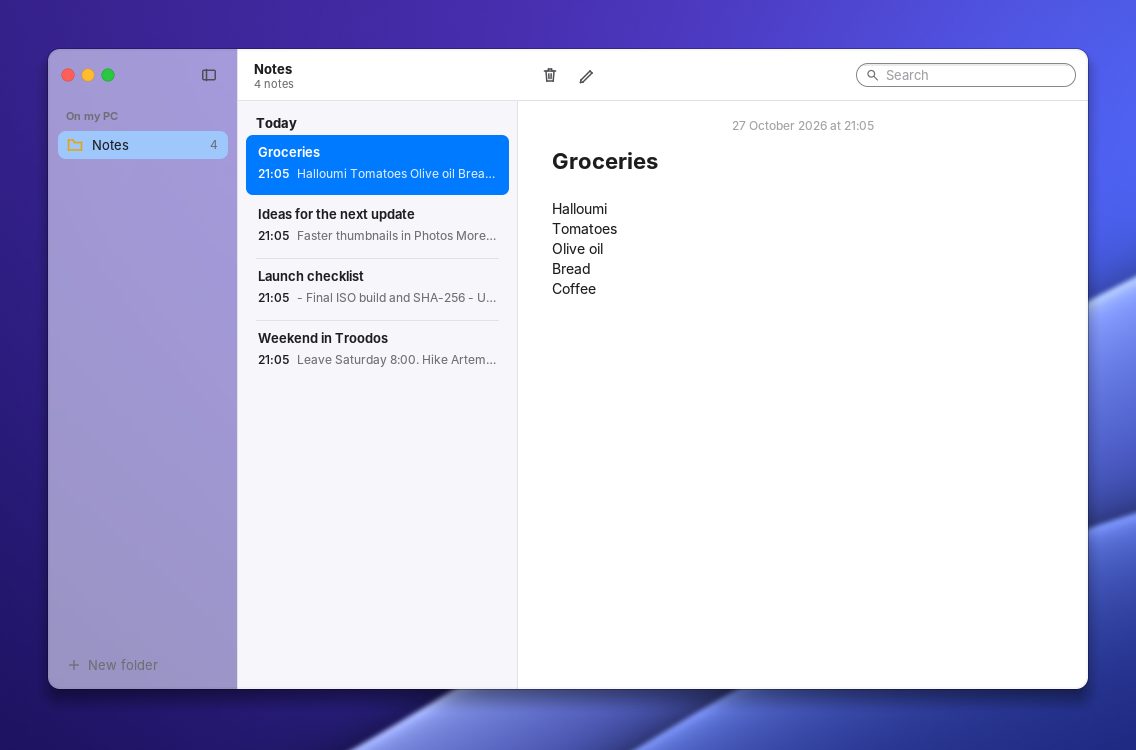
Notes 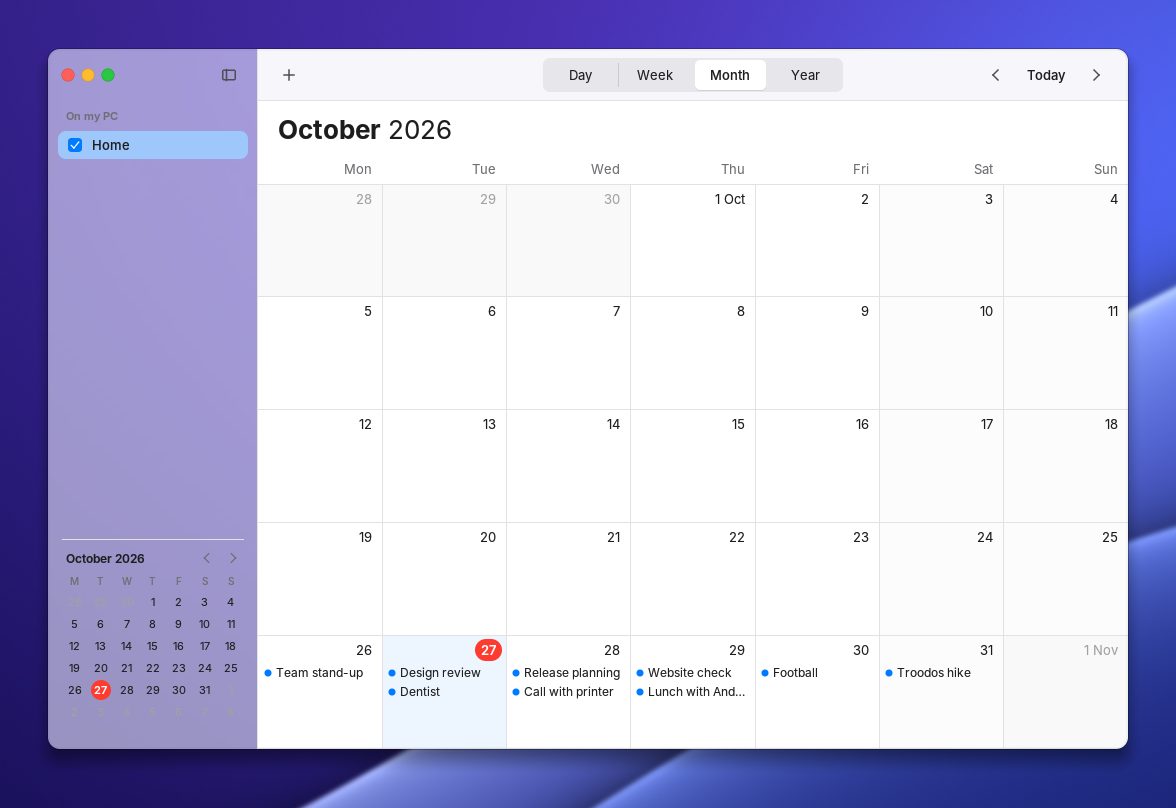
Calendar 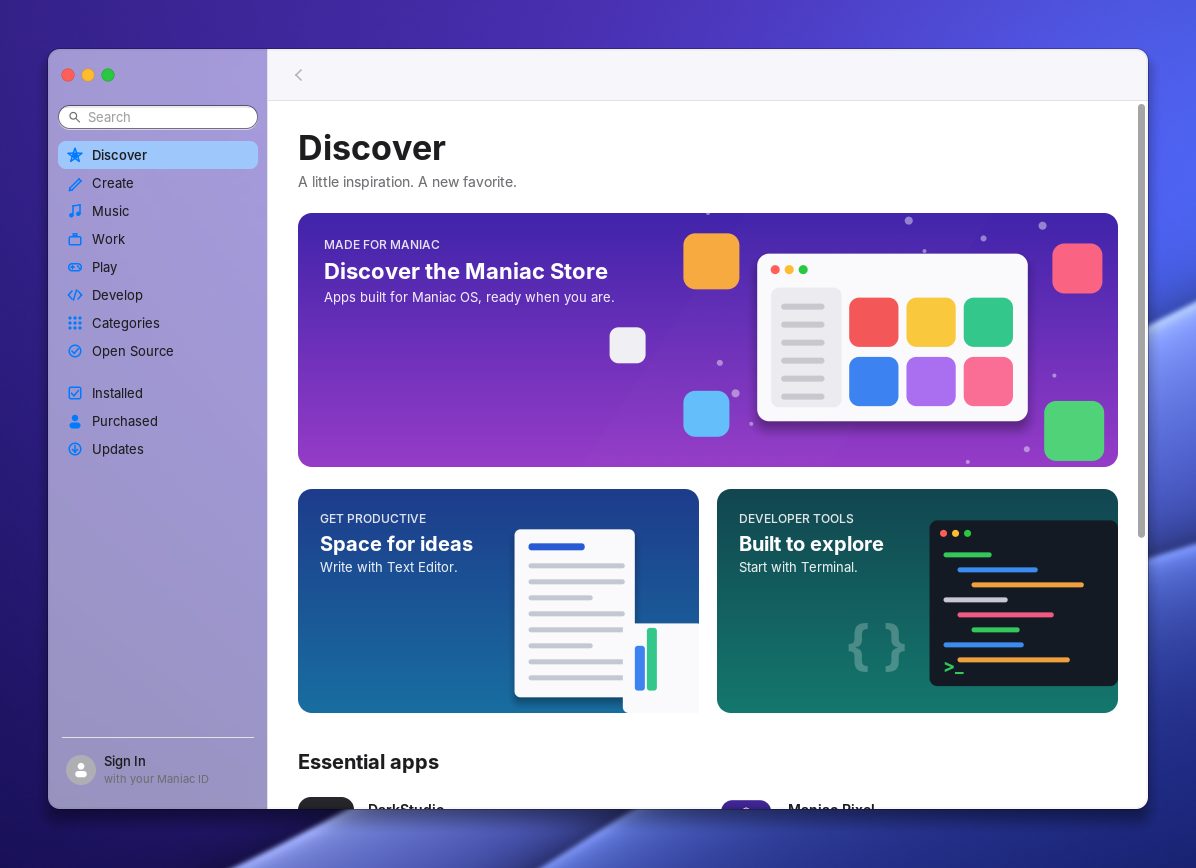
Store 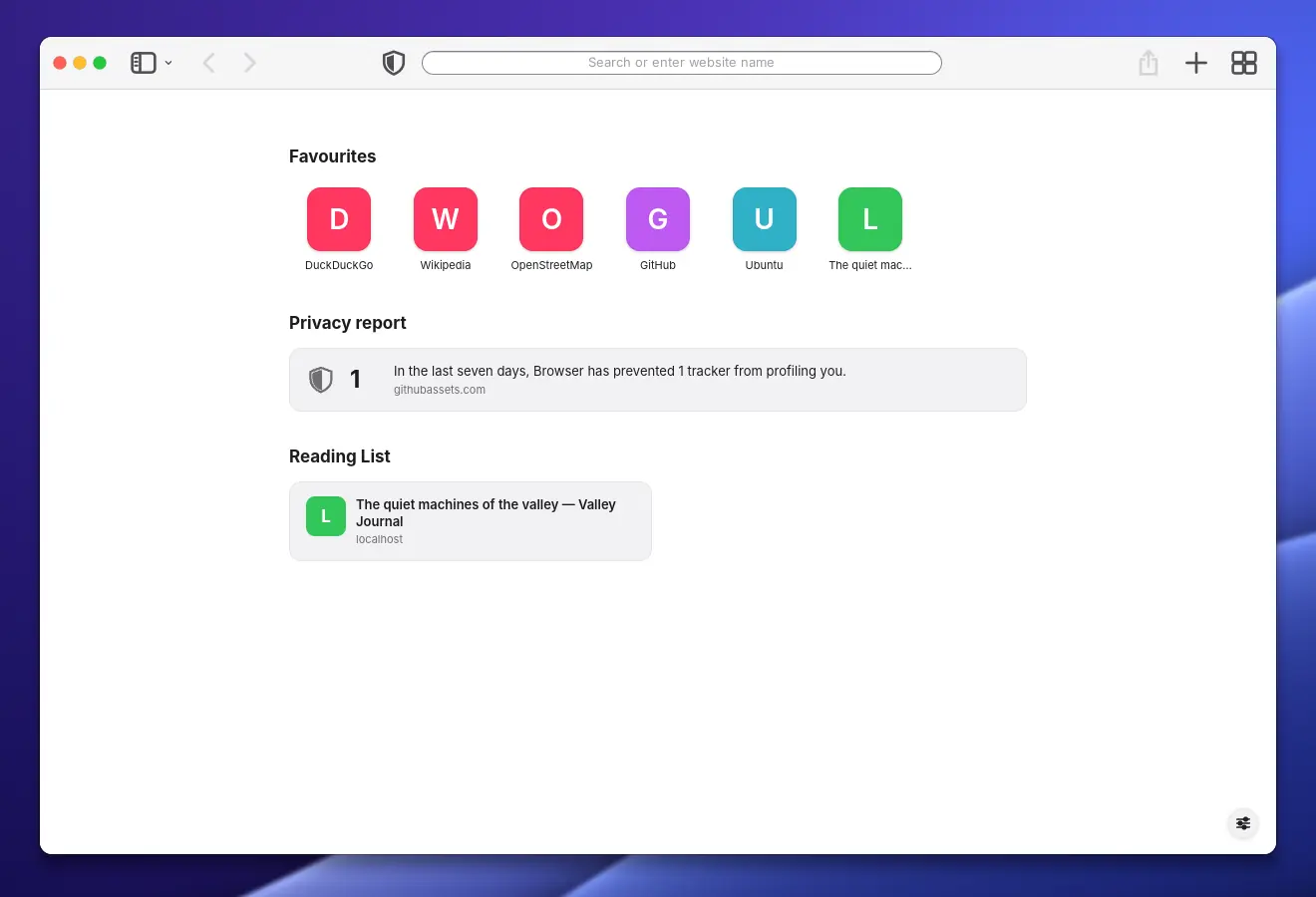
The Web browser’s start page with favourites and a privacy report 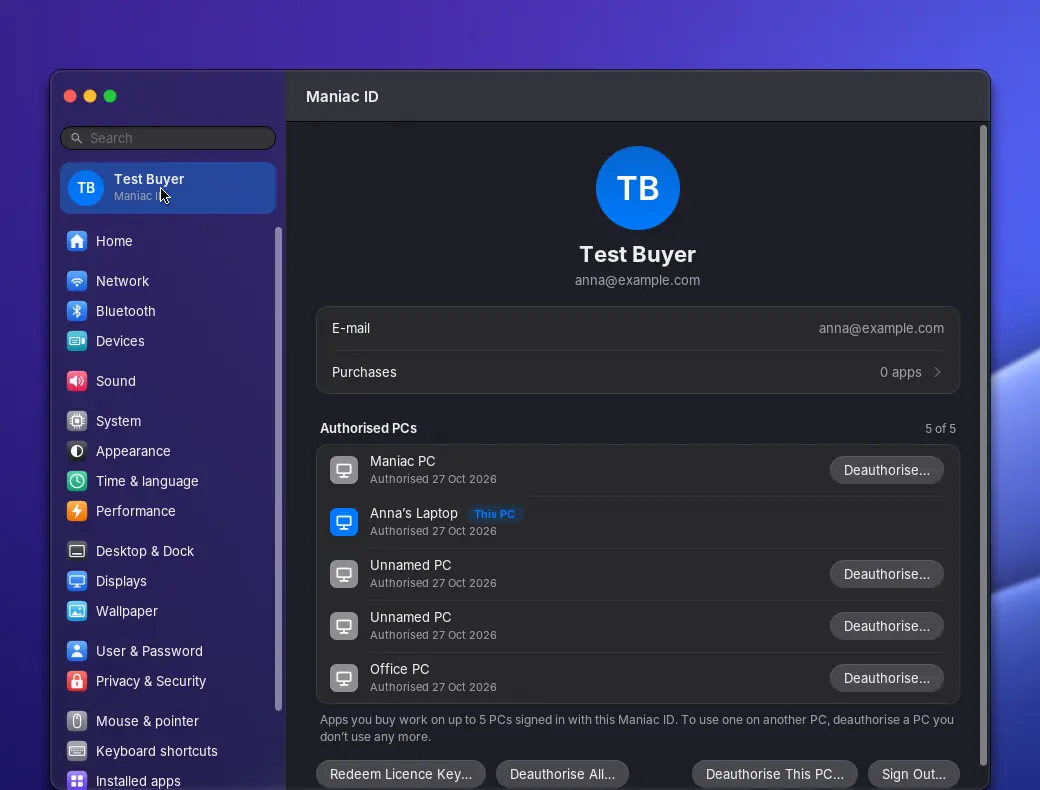
Settings › Maniac ID with the PCs authorised for the account 
The Dock, with a dot under the running Web browser
Ready to play.
Install Steam from the Store and play Linux games — and many Windows games too, through Proton. More launchers are one click away.
Steam
Installs from the Store (the Flathub version). Plays Linux games, and many Windows games through Proton.
Heroic, Lutris and Bottles
Heroic for your Epic Games Store, GOG and Amazon games; Lutris and Bottles for other launchers and Windows games.
RetroArch and Prism Launcher
Classic consoles with RetroArch, and Minecraft installations with Prism Launcher.
GameMode built in
Games can ask the system for full performance while they run.
Game controllers
Common controllers work with Steam out of the box (the steam-devices rules are included).
Vulkan and OpenGL
Through Mesa for AMD and Intel graphics; on NVIDIA with the NVIDIA driver.
Not every game runs: Linux games and many Windows games work, but some Windows games — especially those with certain anti-cheat systems — don’t. Check a specific game on ProtonDB before you buy it.
Steam is a trademark of Valve Corporation. Other names are trademarks of their respective owners; Maniac OS is not affiliated with or endorsed by them.
Tech specs
Runs on most 64-bit PCs from the last ten years.
| Version | Maniac OS 1.0 |
|---|---|
| Released | 27 October 2026 |
| Download | 1.4 GB ISO image, free |
| Processor | 64-bit x86 (x86-64) — Intel or AMD |
| Firmware | UEFI or legacy BIOS. Secure Boot is supported (on or off). |
| Memory | 4 GB RAM (8 GB recommended) |
| Storage | 25 GB for installation |
| Graphics | Intel, AMD or NVIDIA graphics with a kernel mode-setting (KMS) driver — NVIDIA through nouveau or the NVIDIA driver |
| To install | A USB stick of 4 GB or more |
How to install
It takes about ten minutes. You can try Maniac OS from the USB stick first — nothing on your PC changes until you choose to install.
Download the ISO
Get the Maniac OS image from the Download page (1.4 GB).
Write it to a USB stick
Use balenaEtcher (Windows, Linux and more) as it is, or Rufus on Windows — when Rufus asks, choose DD image mode. This erases the USB stick.
Start your PC from the USB stick
Plug it in, restart, and open the boot menu (often F12, F11, F8 or Esc while the PC starts). Choose the USB stick, then Maniac OS.
Other choices: Maniac OS (load into memory) lets you remove the USB stick after start-up; Maniac OS (basic graphics) helps if the screen stays black with a very new graphics card.
Try it, then install
Maniac OS now runs live from the USB stick (changes are lost when you restart). When you’re ready, choose Install Maniac OS in the Dock, pick a disk and confirm. The disk you choose is erased — back up anything you want to keep.
Questions and answers
Is Maniac OS really free?
Will it erase Windows?
Is Maniac OS Linux?
Can I run Linux apps?
Can I run Windows programs?
Will my Wi-Fi and graphics work?
Do I need an account?
The screen stays black when I start from the USB stick.
Maniac OS is built on open-source software from Ubuntu 24.04 LTS and other projects, each under its own licence — see Open-source software and source code. Ubuntu is a trademark of Canonical Ltd. Maniac OS is not affiliated with or endorsed by Canonical.
Try it from a USB stick.
Keep it when you love it.
Maniac OS 1.0 is free. Start it from a USB stick without touching your PC, then install it when you’re ready.